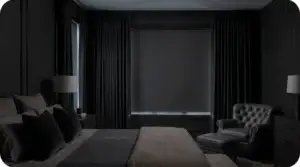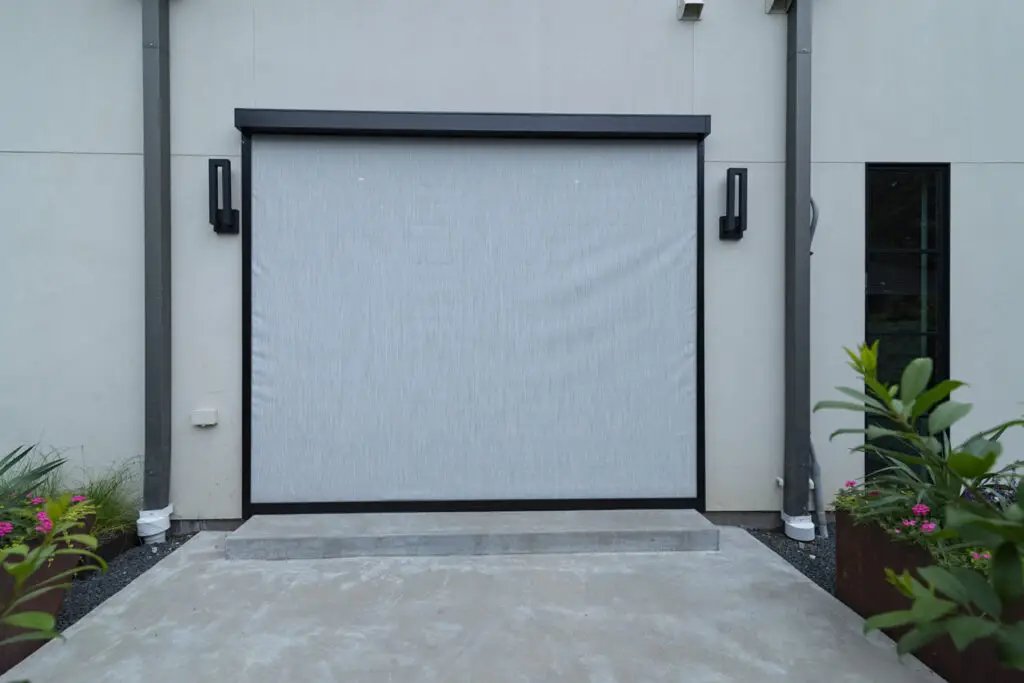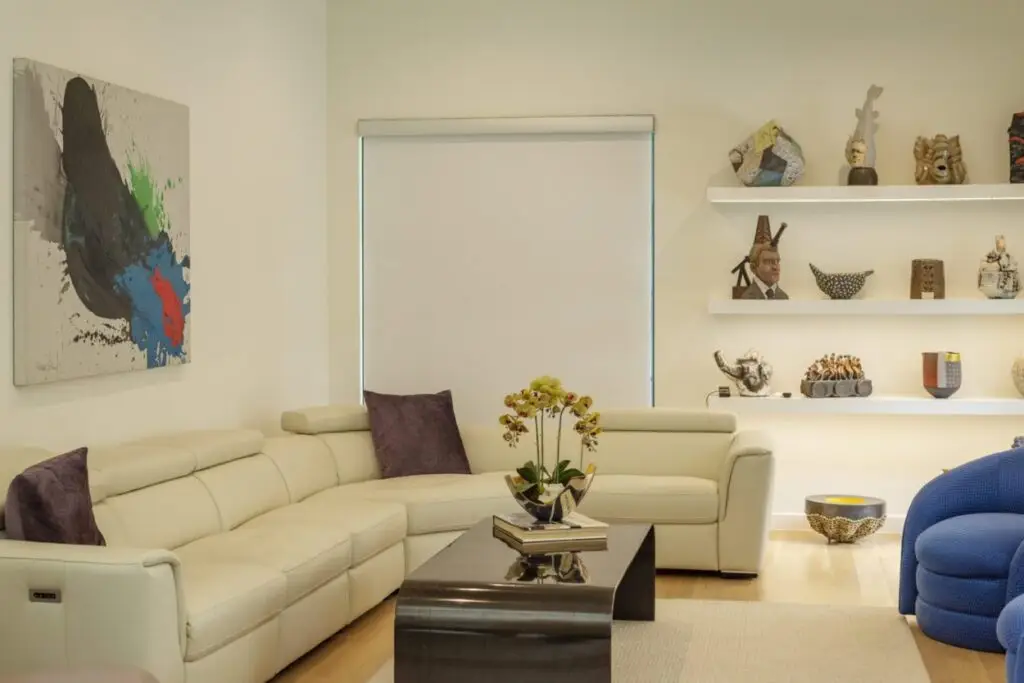
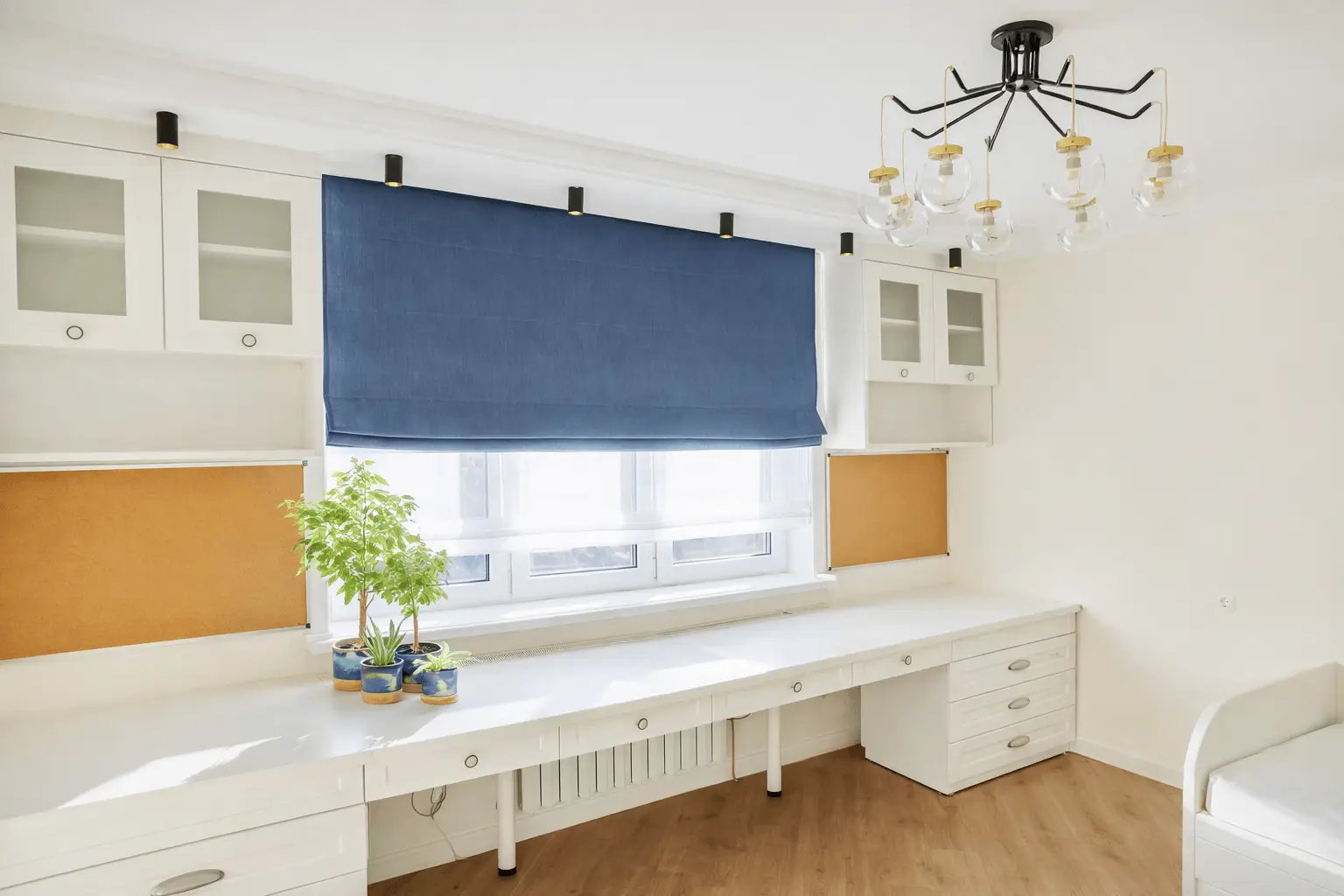
Motorized roller shades use a compact electric motor to raise and lower a fabric shade using a remote, wall switch, or app. Maintenance is not complicated, but it does need consistency: keep the fabric path clean, keep power reliable, and confirm the shade is traveling smoothly without rubbing or drifting.
This matters more than ever as smart-home adoption grows. One recent U.S. study found that 48% of American homes have at least one smart home device, and motorized shades often become part of that setup over time.
This guide shares 7 maintenance tips you can do at home, a fast pre-check checklist, and a troubleshooting path that helps you identify whether the issue is power, alignment, limits, or controls. If you see unsafe conditions such as overheating or damaged wiring, stop and contact a professional.
Quick Checklist Before you Start Maintenance
- Confirm the power type: battery-powered, plug-in, or hardwired
- Confirm the control type: remote, wall switch, or app with a hub
- Find the brand manual (if available)
- Make sure the shade path is clear of objects, cords, and furniture
- Test one full cycle (lower fully, then raise fully) and listen for rubbing, clicking, or grinding
- Stop immediately if you see frayed wiring, smell smoke, or notice unusual heat, then contact a professional
7 Motorized Roller Shades Maintenance Tips to Help Prevent Breakdowns
Good maintenance keeps the shade moving smoothly and helps reduce strain on the motor, brackets, and fabric. These tips focus on the small checks that prevent common issues like slow movement, uneven rolling, and stopping mid-travel.
- Dust the fabric and cassette the right way
- Keep the roller path clear to prevent rubbing and edge wear
- Protect the motor by controlling heat and moisture
- Maintain the power source so the motor does not strain
- Recalibrate travel limits when the shade stops short
- Keep remotes, apps, and signals stable
- Follow a simple maintenance schedule
Tip 1 Dust the fabric and cassette the right way
Dust is not only a surface issue. It can collect near edges and inside the cassette area, which can make the shade feel less smooth over time.
Regular dusting helps the fabric roll evenly and keeps small particles from building up where the shade moves.
What to do
- Use a microfiber cloth or a soft brush
- Wipe the top cassette area and the side channels
- Clean weekly in dusty homes and monthly in most homes
What to avoid
- Soaking the fabric
- Abrasive cleaners
- Steam cleaning near the motor area
Where dust causes drag and noise
Dust often gathers along fabric edges, inside side channels, and near bracket areas. When the fabric rubs those spots, you may hear scraping or notice uneven rolling.
Tip 2 Keep the roller path clear to prevent rubbing and edge wear
Rubbing usually starts small and gets worse with repeat use. A shade that drifts to one side can wear the fabric edge and add resistance.
A clear path also prevents snags on furniture, cords, or decor. Snags can pull fabric out of alignment and stress the mounting points.
Signs of rubbing
- Fabric tracks to one side
- Edge fraying or a wavy edge
- A new scraping sound
Fix it fast
- Lower the shade to the halfway point, then run one full down and up cycle to help the fabric reroll evenly
- Check that brackets look level and feel secure
- If the shade keeps drifting, contact a professional
Quick check that protects the fabric
Watch one full cycle from start to finish. If the fabric walks left or right, stop regular use and correct alignment first.
Tip 3 Protect the motor by controlling heat and moisture
Heat and moisture can increase resistance and lead to more frequent issues over time. Humidity can also affect how fabric behaves, especially in tight channels.
Motorized shades tend to run more reliably when the cassette area stays dry and ventilated. This matters most in bathrooms, kitchens, and sun heavy windows.
Why it matters
Moisture can lead to corrosion in hardware and can raise friction in channels. Heat can add wear when a motor works harder than it should.
Simple actions
- Do not block airflow around the cassette
- Use ventilation in bathrooms and damp areas
- For outdoor or patio shades, rinse dust off exterior hardware and let it dry fully before heavy use
Placement tips that reduce strain
If a shade sits in direct sun for long hours, choose a fabric designed for that exposure. Keep the cassette area clear so warm air does not stay trapped.
Tip 4 Maintain the power source so the motor does not strain
Many problems start as power issues. A weak power source can cause slow movement, mid-travel stopping, or inconsistent response.
Competitors often skip the power type details. A quick check based on your power setup saves time and avoids unnecessary setting changes.
Battery-powered
- Recharge or replace batteries on a routine schedule based on how often you use the shade
- Watch for signs like slow movement, stopping mid-travel, or inconsistent response
Plug-in
- Check the outlet and confirm the plug fits securely
- Make sure the cord is not pinched, twisted, or pulled tight
Hardwired
- If you suspect wiring issues, stop use and contact a professional
A simple power check
If the shade slows down or pauses more than once in a day, check power first. Power issues can look like motor issues.
Tip 5 Recalibrate travel limits when the shade stops short
Travel limits tell the motor where to stop at the top and bottom. If limits drift or change, the shade may stop early or fail to fully open.
Recalibration helps restore normal travel without forcing the shade to push through resistance. It also reduces repeated strain during daily use.
When recalibration helps
- The shade stops short at the top or bottom
- The shade bounces near the top
- The shade stops early with no clear obstruction
What to do
- Follow the brand manual steps for limit setting
- Make small adjustments, then test one full cycle after each change
- Start with your manufacturer’s official limit-setting or calibration steps, then follow your installer’s guidance for your specific motor and control system. If the shade is part of a smart home platform, confirm the device settings did not reset after an update or power loss.
When to stop
If recalibration does not hold and the problem returns quickly, alignment or tracking may be the cause. In that case, professional service is the safer option.
Tip 6 Keep remotes, apps, and signals stable
Some problems are not mechanical. A shade can fail due to remote batteries, signal range limits, or app pairing issues.
This tip helps you separate control problems from motor or alignment problems. That keeps troubleshooting simple and avoids unnecessary adjustments.
Remote basics
- Replace remote batteries if response becomes weak or delayed
- Confirm the correct channel is selected if your remote controls multiple shades
App and hub basics
- Reconnect Wi-Fi if the shade responds to the remote but not the app
- Keep the hub within range of the shade location
- If pairing breaks, repeat the pairing steps using the brand instructions
A quick way to isolate the issue
Test a second control method if you have one. If the remote works but the app does not, focus on connectivity. If neither works, check power first.
Tip 7 Follow a simple maintenance schedule
A schedule prevents small issues from becoming bigger problems. It also makes upkeep easier because you know what to check and when.
This approach beats most competitor guides because it gives a repeatable plan. You can adjust frequency based on dust, humidity, and daily use.
Weekly
- Light dusting of the fabric and cassette
Monthly
- Check for rubbing, drift, or new noise
- Confirm smooth up and down travel
Every six months
- Deep clean based on fabric type and manufacturer guidance
- Check mounting screws and bracket stability
- Test remote range and app control
Once per year
- Consider a professional inspection for large systems or high use areas
- Review travel limits and overall movement consistency
Keep it practical
If you notice repeated drift, frequent stopping, or unusual heat near the motor area, stop use and contact a professional.
Quick troubleshooting guide for common motorized roller shade problems
These quick checks help you identify the most common causes of shade issues without guessing. Start with power and obstructions first, then move to alignment and settings if the problem continues.
Shade will not move
Check power first. Recharge or replace batteries, confirm the plug is secure, or verify the breaker if the system is hardwired. Make sure the shade path is clear and try one full cycle.
Shade moves slowly
Dust buildup, weak batteries, or fabric rubbing can slow movement. Clean the cassette area, confirm smooth tracking, and recharge batteries if response is weaker than usual.
Shade stops halfway
Look for fabric drift, obstructions, or low power. If the shade stops at the same point each time, travel limits may need recalibration using the brand manual.
Shade rolls unevenly
Uneven rolling often comes from fabric tracking to one side or brackets that are not level. Stop regular use, run one full cycle to help the fabric reroll, and check that mounts feel secure.
Shade makes noise
New rubbing, clicking, or scraping sounds usually point to dust in channels, fabric contact with hardware, or an alignment issue. Clean the side channels and cassette area, then test one full cycle.
Remote works but the app does not
Confirm the hub is within range and reconnect Wi-Fi. If the issue continues, follow the brand instructions to refresh the connection or repeat pairing.
Shade reverses direction
This can happen after a reset or programming change. Check the brand manual for direction settings or reset steps and confirm the correct control channel is selected.
When to Stop and Contact a Professional
Some problems are not safe to troubleshoot at home, especially when wiring, mounting hardware, or overheating may be involved. If you notice any of the signs below, stop using the shade and contact a professional to reduce the risk of damage or injury.
- Stop right away if you smell smoke or the motor feels unusually hot
- Pause and call a professional if you see frayed wiring or exposed wires
- Get service quickly if the shade drops suddenly or mounting hardware bends
- Request support if the fabric keeps drifting, rubbing, or fraying at the edge
- Ask for help if the shade stops mid-travel after power checks and limit resets
- Choose a professional for hardwired systems or multi shade installations
If you want help diagnosing the issue, contact Custom Shade and Shutter to schedule motorized roller shade service or request a quote for your home or business.
FAQs
Light dusting once a week works well in dusty homes. In most homes, monthly cleaning of the fabric and cassette helps prevent drag and noise.
Low power, fabric rubbing, or an obstruction in the shade path are common causes. If it stops at the same point each time, travel limits may need adjustment using the brand manual.
The shade may move slower, pause during travel, or respond inconsistently to the remote or app. Recharge or replace the battery before adjusting limits or settings.
Uneven rolling often happens when the fabric drifts to one side or the brackets are not level. Stop regular use and correct alignment to prevent edge wear.
Most systems do not need lubrication, and oil can attract dust and cause buildup. If the manufacturer recommends lubrication, use only the approved product and method.
Check hub range and reconnect Wi-Fi first. If the problem continues, follow the brand steps to refresh the connection or repeat pairing.
Call when you see frayed wiring, smell smoke, notice overheating, or the shade drops or binds. Also contact a professional if problems continue after power checks and travel limit adjustments.