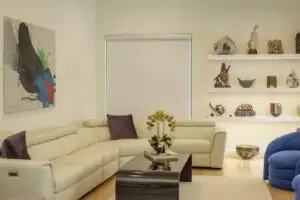
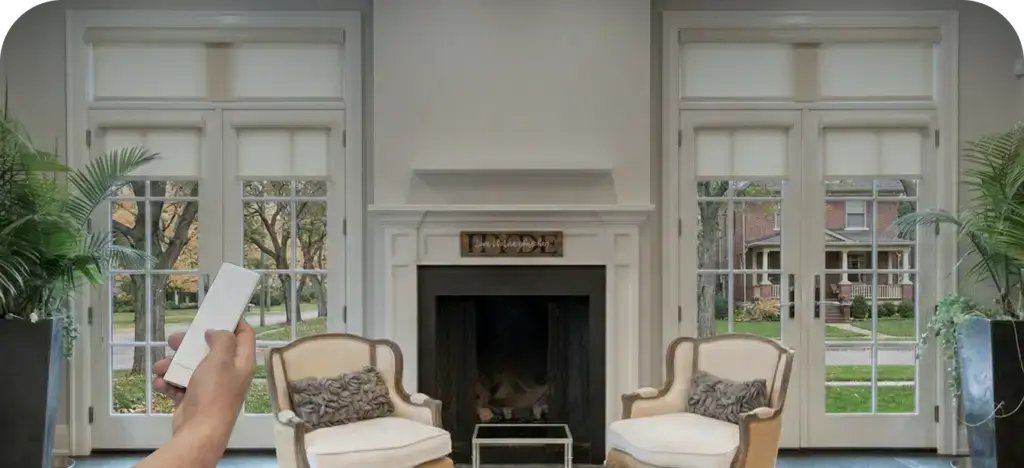
The short version: Potentially. Custom Shade & Shutter’s current Colourvue motorized roller shades offer smart-home integration and voice control through a compatible hub. Alexa or Google Home support depends on the selected Whispertech or Automate motor, hub, platform, and account setup. Confirm the exact integration before ordering.
Voice control is not built into the fabric. It depends on a compatible chain of components: the Colourvue shade motor receives commands, a supported smart-home hub connects that motor system to the home network, and Alexa or Google Home sends a command through an available integration. If one link is incompatible, the shade may still work by remote but not by voice.
What do you need for Alexa or Google Home shade control?
- Compatible Colourvue motorized shades. Custom Shade & Shutter currently lists Whispertech and Automate motor options. The selected motor must work with the selected hub.
- A supported smart-home hub. The current product catalog includes a smart-home hub option, but platform compatibility should be confirmed for the exact order.
- Reliable power. Rechargeable, DC, and AC motor options have different planning and access needs.
- Home Wi-Fi and accounts. The hub, phone app, and voice assistant need the correct network and sign-ins.
- Named rooms and scenes. Clear labels such as “living room shades” make voice commands easier to remember.
What can voice-controlled shades actually do?
| Control | Best use | Important limit |
|---|---|---|
| Handheld remote | Fast, dependable room control | Keep it labeled and accessible |
| Wall control | Familiar operation for guests and family | Wiring or placement may need advance planning |
| Phone app | Room groups, scenes, schedules, and remote access | Features depend on the hub and account |
| Alexa or Google Home, when supported | Hands-free scene or room commands | Platform support, phrases, and position controls vary by the selected integration |
| Schedule | Repeatable morning, glare, privacy, and bedtime routines | Needs correct time zone and ongoing connectivity |
Custom Shade & Shutter’s current product page lists a smart-home hub, multi-channel remotes, and both Whispertech and Automate motor options. Its FAQ says many motorized solutions can integrate with common smart-home platforms. Because capabilities vary by the selected components, the team reviews compatibility and control options during product selection.
How do you plan motorized shades before installation?
- List every shade and decide which should move together.
- Choose everyday controls first: wall switch, remote, app, voice, or a combination.
- Confirm the exact motor, hub, platform compatibility, maximum shade size, and selected power source.
- Place the hub where it has reliable network and radio coverage.
- Create simple scenes such as “morning,” “TV,” “west sun,” and “good night.”
- Keep a manual control available so the home still works during an internet outage.
Can motorized shades run on a schedule without a voice assistant?
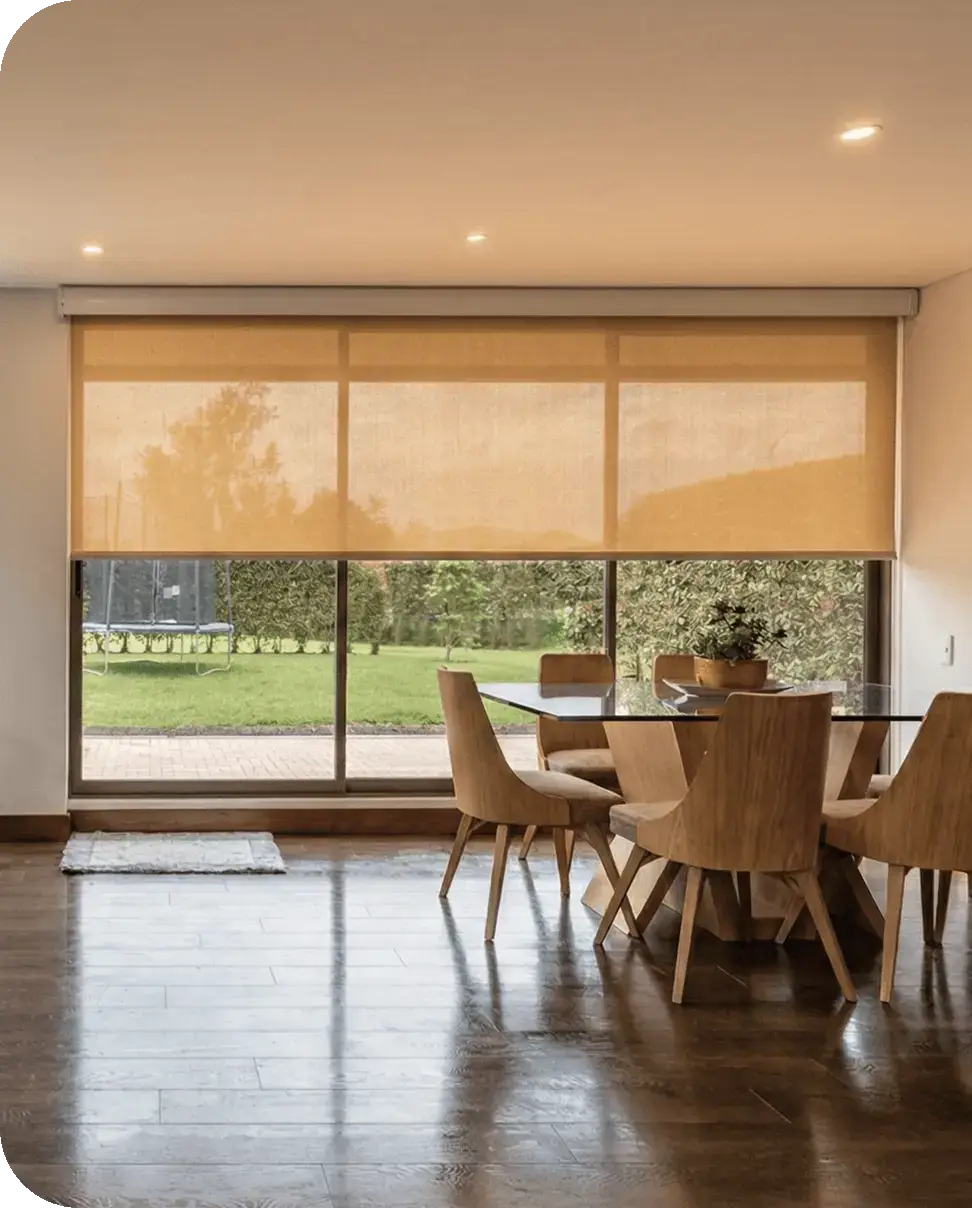
Yes. A supported app and hub can usually run scenes and schedules without a spoken command. That is often the most useful automation. East-facing bedroom shades can open after wake-up time, west-facing living-room shades can lower before afternoon glare, and street-facing shades can close at sunset. Voice control then becomes a convenient override rather than the only way to operate the room.
Will motorized shades work if the internet is down?
The remote or wall control should continue to operate directly when it does not depend on the cloud. App, schedule, and voice behavior varies by platform. Ask what remains available during an internet outage, a hub failure, or a power interruption. Rechargeable motors also need an accessible charging plan, while low-voltage and line-voltage systems need wiring planned before walls and trim are finished.
Do you need an electrician for smart shades?
Not always. Rechargeable and plug-in systems may avoid in-wall electrical work. Custom Shade & Shutter’s FAQ notes that its team can connect low-voltage systems, while high-voltage connections may require a licensed electrician. New construction and major renovations are the best time to coordinate power, shade pockets, access panels, and hub placement.
Are voice-controlled shades secure?
Treat the shade hub like any connected-home device. Use a unique password, enable multifactor authentication when offered, keep apps and firmware current, secure the home Wi-Fi network, and review which household members can control the system. Avoid public scene names that reveal travel or occupancy patterns.
The best smart shade still has a simple way to open and close it when a phone, voice service, or internet connection is unavailable.
Who installs Alexa- and Google-compatible motorized shades in DFW?
Custom Shade & Shutter designs and professionally installs Colourvue motorized interior roller shades across Dallas-Fort Worth. The team can help match fabric, a Whispertech or Automate motor, power, remotes, groups, and compatible smart-home controls before the order is placed. Request a free quote for a room or whole-home plan.
Sources
- Custom Shade & Shutter, Colourvue motorized roller shades, Whispertech and Automate motors, remotes, hub, power, fabrics, and warranty.
- Custom Shade & Shutter, smart-home compatibility, electrical connections, measurement, installation, and service FAQs.